Payment Options at a Glance
Here is the short version. Pinduoduo's checkout can differ by account and app version, so the payment screen always has the final say.
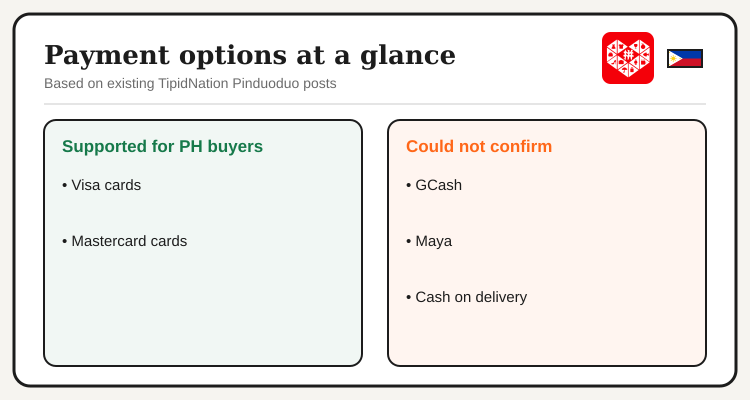
| Payment option | Status for Philippine buyers | What to do |
|---|---|---|
| Visa | Supported per our existing posts | Pay by card at checkout |
| Mastercard | Supported per our existing posts | Pay by card at checkout |
| GCash | We could not confirm | Check the payment screen |
| Maya | We could not confirm | Check the payment screen |
| Cash on delivery | We could not confirm | Check the payment screen |
Why GCash, Maya and COD Are Unclear
Our own Pinduoduo posts do not agree on e-wallets. One describes GCash and Maya at checkout, while others say there is no native wallet integration and only international cards. We could not settle that, and we would rather say so than guess.
If you rely on GCash or Maya for most online spending, treat them as bonus options, not the plan. Keep a Visa or Mastercard ready, and look at the payment screen before you spend time building a cart.
See current Pinduoduo Philippines offers and free shipping details.
View Pinduoduo Deals →Payment Failed? Check These First
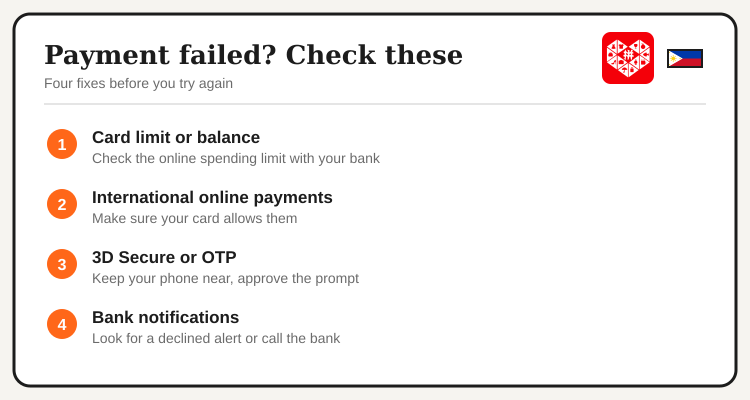
- Card limit or balance. Some banks set a low online spending limit. Confirm yours in your bank's app.
- International online payments. Pinduoduo is a cross-border platform, so your card needs to allow international online transactions.
- 3D Secure. Many cards ask for an OTP or an in-app approval. Keep your phone close and approve it before the prompt times out.
- Bank notifications. Look for a declined or blocked alert. Your bank can release a block, and then you can try again.
Before You Tap Pay
A few minutes of prep saves most payment headaches. Cross-border orders often take several weeks to arrive, so a failed or duplicate charge is easier to fix when you catch it early.
- Pick one card and stick with it. Retrying with several cards in a row can trigger a bank block.
- Save the order screen. A screenshot of the amount and the order number helps if you need to ask your bank or the app for help.
- Watch for double charges. If a payment shows as failed but your bank still holds the amount, wait a little, then contact your bank before paying again.
- Keep your savings in view. Compare the final total with similar items on Temu or Shopee so the cheaper price still holds after fees.
Smart shopping means knowing how you will pay before you chase a discount. If the payment screen shows an option we could not confirm, that is a bonus. If it does not, a Visa or Mastercard is the route our existing posts describe.
Pay Safely
- Never pay outside the app. No transfers to personal accounts, no payment links sent by chat or text.
- Ask what a courier fee covers. If someone asks for money at delivery, get the amount and the reason first. Our delivery, customs and returns guide explains the stages where charges can come up.
- Read the final peso total. Check it on the payment screen before you tap Pay.
New to the app? Our how to order from Pinduoduo guide walks through the full checkout.
Frequently Asked Questions
Want a cross-border alternative? See Temu Philippines offers.
View Temu Deals →