Why There's No Single "Cancel" Button in CapCut
CapCut Pro subscriptions aren't processed by CapCut's app directly, they run through whichever storefront handled your original payment. Subscribe from an iPhone and Apple owns the billing relationship. Subscribe from an Android phone and it's Google Play. Subscribe through CapCut's own website checkout and the billing sits with CapCut's site account system instead. The app itself only shows your current plan and renewal date, it's a status display, not a billing control panel.
This is standard behavior for most mobile apps with in-app subscriptions, not something unique to CapCut, but it trips people up because the instinct is to look for a cancel option inside the app's own settings menu first. If you're not sure which store is billing you, the fastest way to check is to look at your bank or card statement for the merchant name on the charge, "Apple," "Google," or "CapCut" each point to a different cancellation path.
Cancel on iPhone or iPad (Apple App Store)
If you subscribed through the App Store, the subscription lives inside your Apple ID settings, not inside CapCut itself. The promo code you may have applied at checkout doesn't change this, Apple still controls the renewal and cancellation regardless of what discount was used to start the plan.
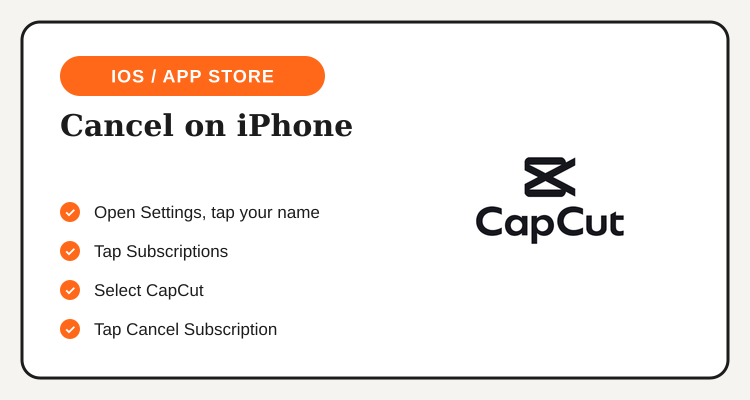
- Open the Settings app on your iPhone or iPad and tap your name at the top of the screen.
- Tap "Subscriptions" to see every app currently billing your Apple ID.
- Select "CapCut" from the list of active subscriptions.
- Tap "Cancel Subscription" at the bottom of the screen and confirm when prompted.
- Check the confirmation message, it tells you the exact date your Pro access ends, not the date of cancellation itself.
If you don't see CapCut under Subscriptions at all, you're most likely billed through a different platform, Google Play or CapCut's website, even if you're currently using the app on an iPhone.
Cancel on Android (Google Play Store)
Android subscriptions route through your Google Play account instead of a phone-level settings menu, so the steps look a little different from iOS.
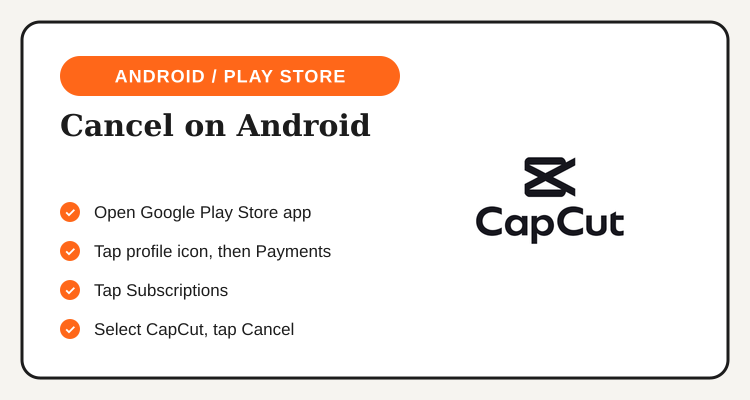
- Open the Google Play Store app on your Android device.
- Tap your profile icon in the top-right corner, then select "Payments & subscriptions."
- Tap "Subscriptions" to view every active subscription tied to your Google account.
- Select "CapCut" and tap "Cancel subscription."
- Follow the on-screen prompts to confirm, Google will show you the date your access ends before you finalize.
Because Google Play subscriptions are tied to your Google account rather than your specific phone, you can also manage this from a browser at play.google.com if you've switched devices or no longer have the original phone handy.
Cancel on the CapCut Website
Subscribers who signed up directly on capcut.com, common for desktop editing or business use, manage billing through CapCut's own account page rather than Apple or Google.
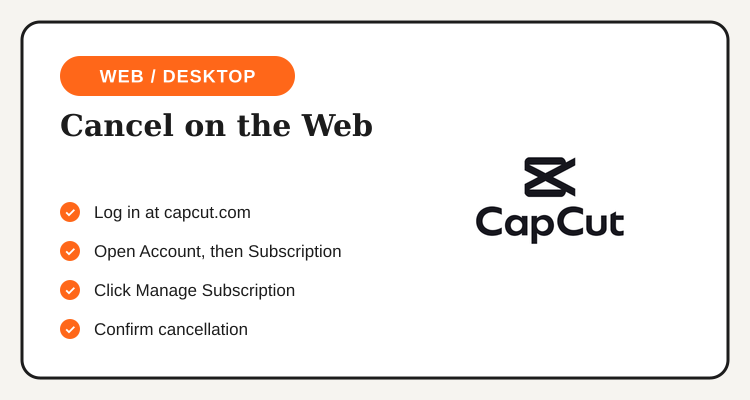
- Log in at capcut.com using the same account you subscribed with.
- Open "Account" from the top menu, then go to the "Subscription" tab.
- Click "Manage Subscription" next to your current CapCut Pro plan.
- Select the cancel option and confirm, CapCut displays the exact date your plan reverts to the free tier.
- Save the confirmation shown on screen or emailed to you, in case you need to reference the cancellation date later.
| Where You Subscribed | Where to Cancel |
|---|---|
| iPhone or iPad (App Store) | Settings → your name → Subscriptions |
| Android (Google Play) | Play Store → Profile → Payments & subscriptions |
| CapCut website | capcut.com → Account → Subscription |
| Not sure which one | Check the merchant name on your bank or card statement |
Thinking of Resubscribing Later?
Current CapCut Pro discount codes and subscription deals for Filipino creators are listed on the CapCut Philippines deals page.
See CapCut Deals →What Happens to Your Projects and Exports After You Cancel
Cancelling CapCut Pro doesn't delete your account or your project files, it only turns off the paid features once your current billing period ends. Projects you've already created stay in your account and remain editable on the free tier, though any Pro-exclusive effects, premium templates, or fonts used inside them may show a watermark or an upgrade prompt if you try to re-export at the same settings.
Export resolution is the setting most people notice first after cancelling. CapCut's free tier caps export quality below what Pro allows, so if you've already exported a finished video before the subscription ends, that exported file keeps its original resolution, it's only future exports that drop to the free tier's limits. If you have a project you still need to finish at full quality, it's worth completing and exporting it before your access actually ends rather than after.
Cancelling Doesn't Mean an Instant Refund
A common point of confusion: cancelling a subscription stops the next renewal, it doesn't refund the period you've already paid for. Both Apple and Google's standard subscription terms let you keep Pro access for the rest of the current billing cycle you already paid, with no partial refund for days you don't end up using. CapCut's own website checkout follows a similar structure outside of each store's short buyer-protection window right after a purchase.
If you were charged unexpectedly, say, a renewal went through a day before you got around to cancelling, your best option is to go through that specific store's own refund request process (Apple's "Report a Problem" page, or Google Play's order history refund request) rather than contacting CapCut support directly, since the store that processed the charge is also the one that controls refund eligibility.
Before You Cancel: Things Worth Double-Checking
A few quick checks can save a second trip back into your phone's settings. First, confirm which platform actually billed you, mixing this up is the single most common reason people think a cancellation "didn't work" when really they cancelled in the wrong store's menu. Second, if you share the account with a family member or team, make sure nobody else is depending on Pro export limits before the subscription lapses. Third, if you're mid-project and relying on a Pro-only effect or template, finish and export that specific video before your billing period runs out.
It's also worth remembering that CapCut Pro Philippines pricing and available discount codes change by season, so if cost was the main reason for cancelling, it's worth checking whether a current promo brings the plan closer to what you're willing to pay before dropping to the free tier entirely.
Frequently Asked Questions
Updated regularly, subscription discounts for content creators and small businesses using CapCut Pro.
View CapCut Deals →