Why Black Friday Matters for Laptop Buyers
Laptops are one of the bigger purchases on any shopping list, which makes sale windows worth planning around. Black Friday runs from November 27 to 30 in the Philippines this year, and it lands right between 11.11 and 12.12. If you passed on a laptop earlier in the season, this is a second chance to find a better price. Our Black Friday Philippines 2026 guide covers every category, and the Black Friday sale page collects the main platforms.
This post is about getting the best Black Friday laptop deal in the Philippines without overspending. The method is simple. Decide what the laptop is for, set a ceiling on the price, and learn what the current price looks like before the sale starts. That way a real saving stands out from a price that only looks low.
Match the Brand to How You Will Use It
Every major brand sells laptops for many different needs, but each one has lines that tend to suit certain buyers. Start with the use case, then look at the brands that cover it.
| Brand | Lines to look at | TipidNation page |
|---|---|---|
| ASUS | ROG, Vivobook and Zenbook laptops | ASUS Philippines deals |
| Acer | Aspire, Predator and Nitro laptops | Acer Philippines deals |
| Lenovo | ThinkPad, IdeaPad and Legion laptops | Lenovo Philippines deals |
| HP | Pavilion and Victus laptops, plus OfficeJet printers | HP Philippines deals |
| Dell | Inspiron, XPS and Latitude laptops and monitors | Dell Philippines deals |
Gamers can read our ASUS and Acer gaming laptop deals guide, while students should start with the best student laptops guide. If you are choosing between everyday work brands, the Dell vs HP vs Lenovo comparison lays out the differences.
What to Check Before You Pay
A sale page is built to make you move quickly, so a short checklist helps. Write down the exact model, processor, RAM and storage you want, then compare that same configuration across stores. Two listings with the same model name can carry different specs.
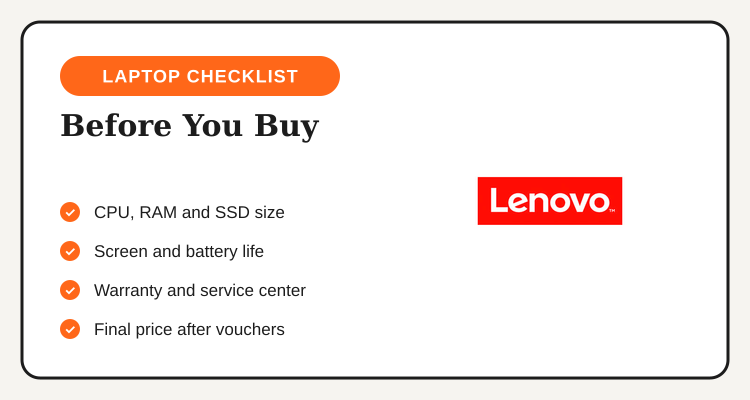
The processor and RAM decide how the laptop feels day to day, and the SSD size decides how long it stays comfortable. Screen quality and battery life matter more than many buyers expect, especially for students and commuters. For gaming, look at the graphics card tier and the display refresh rate rather than the brand name alone.
Warranty and service are the other half of value. Check that the seller is an official store or authorized dealer, and find out where service centers are located. A slightly higher price with a clear warranty path can be a better deal than a rock-bottom price from an unknown seller.
Compare Final Prices, Not Sticker Prices
The most common mistake in laptop shopping is comparing the number on the product tile. One listing may include a voucher that another does not, or it may bundle a bag and mouse that you would otherwise buy separately. Open the cart, apply the voucher, add shipping, and compare totals. ASUS, for example, lists a ₱700 off promo and a free shipping voucher on its official Shopee store, so the final total can differ from the tile price.
| What to compare | Why it matters |
|---|---|
| Same CPU, RAM and SSD | Different configurations can share one model name |
| Voucher and shipping | They change the real total at checkout |
| Bundled freebies | A free bag or mouse has real value only if you need it |
| Warranty terms | Official stores usually carry the manufacturer warranty |
| Payment promo | Card and wallet promos have minimum spend and exclusions |
Stack Your Savings the Smart Way
The usual order is voucher first, card or wallet second. A store voucher lowers the cart price, then a card or e-wallet promo applies at payment. Compare options in our Black Friday cards and wallets guide and confirm the details with your bank or wallet provider. Look at the minimum spend, the eligible card and the promo period.
Installment plans can make a pricier laptop easier to afford, but only when the interest-free terms apply to your card and the term you choose. Treat the monthly payment as a real commitment, and confirm the current terms with your bank before you decide.
Black Friday Laptop Buying Timeline
| When | What to do |
|---|---|
| Now to November 26 | Pick your use case, shortlist two or three models and note current official store prices |
| November 27 | Sale opens. Collect vouchers and compare final cart totals against your notes |
| November 28 to 29 | Check bundles and card promos if your model has not reached your target price |
| November 30 | Final day. Decide, pay and keep the order confirmation for warranty claims |
| December | The 12.12 sale is the next window if you did not find your price |
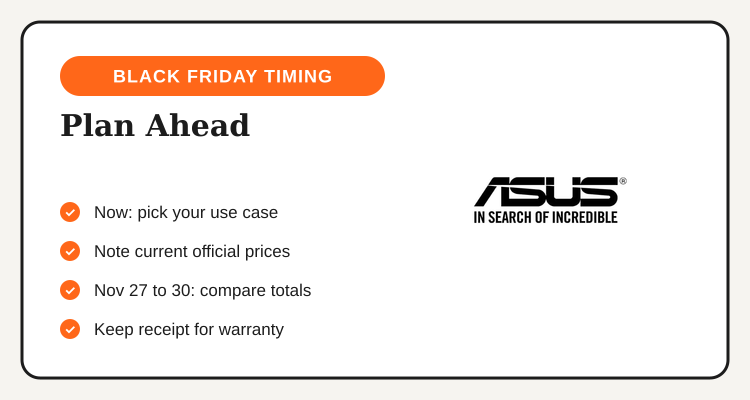
Noting prices now is the most useful step you can take. When the sale opens, you can tell right away whether a discount is real or whether the price simply returned to its usual level. It also protects you from buying on impulse because a countdown timer is running. Smart Black Friday laptop shopping in the Philippines is about value for your money, not the biggest percentage on the banner.
Laptop Buying Mistakes to Avoid
Buying too little storage is a frequent regret, since entry configurations look cheapest but fill up quickly. Choosing a gaming laptop for school is another, because the weight and battery trade-offs are real. And skipping the warranty check can turn a small saving into a large problem if the laptop needs repair.
Keep your budget firm, pick the configuration that fits your actual use, and let the sale price confirm the decision rather than make it for you.
See every platform and category on the Black Friday sale page.