Why Not Knowing Chinese Isn't Actually a Dealbreaker
The instinct most first-time buyers have is to open Taobao's website, hit a wall of Chinese text, and close the tab. That reaction skips the part of the process that actually matters: you are not meant to shop Taobao directly. A shipping agent, the same service that gets your parcel from a Chinese warehouse to a Philippine address, also sits in front of the language problem. Agents built specifically for overseas buyers run their own dashboards in English, translate product listings as you browse, and employ customer service staff whose entire job is bridging English-speaking buyers and Chinese-speaking sellers.
That changes what "buying from Taobao" actually looks like in practice. You are not translating a storefront on your own, hunting for pinyin spellings of product names, or trying to read a size chart in Chinese. You are using an English interface built by a company whose business model depends on making that barrier disappear, because a buyer who gives up at the language wall is a buyer the agent loses.
3 Ways to Find and Order Products Without Typing Chinese
There is more than one route into a Taobao product page that skips typing Chinese entirely, and most agents support at least two of them.
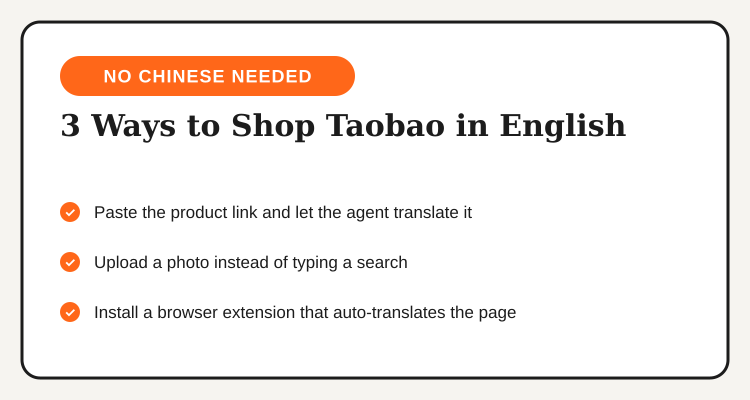
Paste the link. If you already found an item, through a friend, a reseller's post, or a translated browser session, paste the Taobao product URL straight into your agent's order form. The agent pulls the listing, translates the title and key details, and quotes you a price without you touching the Chinese site again.
Search by image, not text. Most major agents (Superbuy and 4PX in particular) build an image search tool directly into their apps. Upload a photo, a screenshot from Pinterest, a product shot from another store, and the tool matches it against listings on Taobao. No search term, no typing, no Chinese needed at any point.
Use a browser translation extension to browse first. Chrome's built-in page translator (or a dedicated extension) renders Taobao's storefront in English while you browse categories and read reviews. It will not place an order or handle payment, but it is the fastest way to window-shop the platform before you commit to a specific agent workflow for the actual purchase.
Step-by-Step: Ordering in Plain English
Once you have found the item, the order process itself rarely touches Chinese at any step, provided you go through the agent rather than attempting a direct Taobao account.
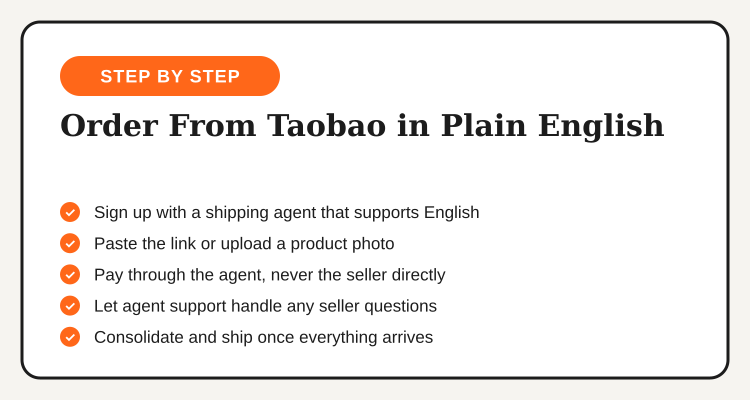
1. Sign up with an agent that offers an English dashboard. Registration takes a few minutes and gives you a dedicated warehouse address inside China.
2. Submit the item through a link paste or image search. Pick whichever of the two methods above fits what you already have, a URL or a photo.
3. Confirm size, color, and quantity from the translated listing. The agent's translated version of the product page shows these options in English, select them the same way you would on any local store.
4. Pay through the agent, never the seller directly. This keeps every transaction inside the agent's English-language payment flow and support system, instead of requiring you to navigate a Chinese checkout.
5. Let the agent's support team field anything unusual. A size that runs differently than expected, a stock question, a request to combine items in one shipment, all of it goes through English-language customer service rather than a seller chat you cannot read.
How to Talk to a Seller When Neither of You Speaks the Other's Language
Occasionally an order needs something the standard listing does not cover: a custom embroidery color, a size outside the published chart, a request to combine two variants into one package. This is the one part of the process that genuinely involves a seller who only communicates in Chinese, and it is also the part most first-timers try to solve themselves and get stuck on.
The fix is to route the request through the agent's customer service, not to message the seller directly. Write the request in plain English, attach a photo or screenshot whenever the request is visual (a color swatch, a reference image, a marked-up size chart), and let the agent's staff translate and relay it. A photo does more work than a paragraph of text here, since a color name or a measurement can get garbled in translation but a picture rarely does. Expect a reply within a day or two for most requests, agents build this kind of back-and-forth into their standard service rather than treating it as an exception.
Here is how the language-support features actually differ across the agents Filipino buyers use most for Taobao orders:
| Shipping Agent | English Dashboard | Image Search | Translated Seller Chat |
|---|---|---|---|
| Buy&Ship | Yes | Limited | Yes, via support |
| ShippingCart | Yes | Limited | Yes, via support |
| Superbuy | Yes | Yes | Yes, in-app |
| 4PX | Yes | Yes | Yes, via support |
| AIOExpress | Yes | Limited | Yes, via support |
Mistakes English-Only Buyers Keep Making
The most common error is trying to shortcut the agent entirely: copying a product name into a translate app, typing the English-to-pinyin result into Taobao's own search bar, and wondering why nothing relevant comes up. Pinyin is a romanization of pronunciation, not a search key the platform matches against listings reliably, and it rarely surfaces the item you actually meant. The link-paste or image-search route through your agent gets there faster and more accurately every time.
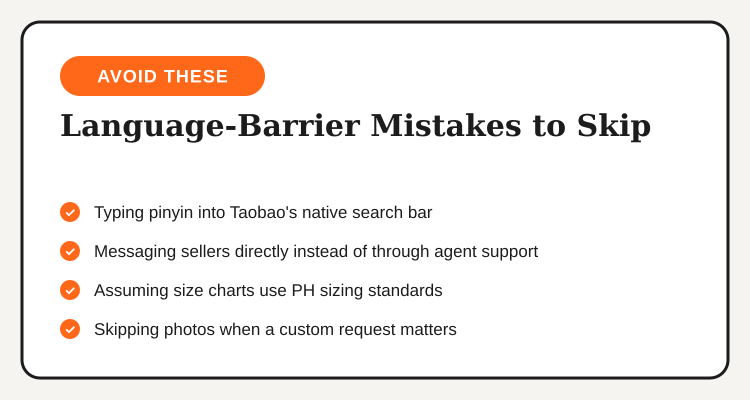
A second recurring mistake is messaging the seller directly through a translated chat app instead of going through agent support. It can feel faster in the moment, but a seller replying in Chinese to a machine-translated message from an unfamiliar buyer is far more likely to misread the request than an agent's support staff who do this daily and know how to phrase it so nothing gets lost. The third mistake is assuming a size chart uses Philippine or international sizing by default, Chinese size charts commonly run on their own numbering, and the agent's translated listing usually includes a conversion note that is easy to skim past if you are rushing through checkout.
None of these are hard to avoid once you know they are there. The pattern across all three is the same: let the agent do the part it is built for, and the language barrier stops being a barrier at all. Check current Taobao Philippines promo codes before you place your first order, stacking a discount code on top of an already translated, English-guided checkout is the easiest savings move available to a first-time buyer.
Frequently Asked Questions
Compare live Taobao Philippines promo codes, updated regularly by TipidNation.
View Taobao Deals →