ExpressVPN markets itself heavily on speed, and that claim is easy to overstate or dismiss depending on which VPN review you read first. The honest version sits in between: a VPN cannot push more bandwidth through your connection than your ISP already gives you, so "speed boost" is the wrong frame entirely. What a well-built VPN can do is lose less of that bandwidth to encryption overhead, and keep the connection stable enough that a stream doesn't buffer or a match doesn't lag out mid-round. This review looks at ExpressVPN for streaming and gaming specifically, not the full feature list, to see where the Lightway protocol actually earns its reputation and where it doesn't.
Why VPN Speed Even Matters for Streaming and Gaming
Every VPN adds a small amount of overhead. Your traffic gets encrypted, routed through a server somewhere else in the world, then decrypted again on the other end. That extra hop and the encryption work itself both cost a bit of speed and add a bit of delay, there's no way around that physics entirely. The question that actually matters is how much overhead a given VPN adds, and that's where protocol choice does most of the work.
Streaming and gaming care about different things. Streaming mostly needs steady bandwidth, enough throughput to keep a 4K or HD stream from buffering, with latency being a minor factor. Gaming flips that: bandwidth needs are usually modest, but ping (the round-trip delay between your device and the game server) is the number that decides whether a match feels smooth or feels like you're fighting the connection as much as the opponent. A VPN that's fine for streaming can still feel bad for competitive gaming if it adds too much latency.
Lightway: Where ExpressVPN's Speed Difference Comes From
ExpressVPN built its own protocol, Lightway, instead of relying only on older standards like OpenVPN. It's a lighter codebase with less encryption overhead per packet and a faster handshake when reconnecting, both of which translate directly into less speed lost and quicker recovery if your connection briefly drops. That reconnect speed matters more than people expect: a VPN that takes several seconds to re-establish a tunnel after a Wi-Fi hiccup can cost you a round in a competitive match that a faster reconnect wouldn't.
In practice, this shows up as fewer buffering wheels during long 4K sessions and a ping increase that's noticeably smaller than what older-protocol VPNs typically add. It's still an increase, not a decrease, anyone promising a VPN that lowers your ping below your unprotected baseline is not being accurate. The realistic win is keeping that increase small and consistent instead of spiky.
Quick Verdict on ExpressVPN Speed
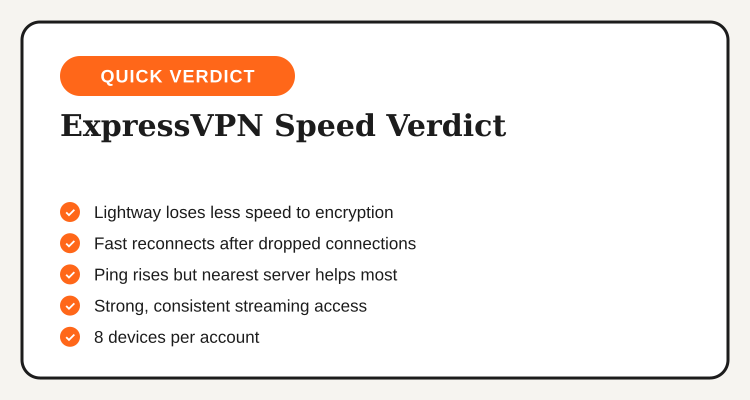
- Lightway protocol loses less speed to encryption than older VPN protocols
- Fast reconnects after a dropped Wi-Fi or mobile connection
- Ping still rises versus no VPN, picking the nearest server matters most
- Strong, consistent streaming library access across major platforms
- Up to 8 devices per account, covers a gaming rig and a phone easily
What actually shows up in day-to-day streaming and gaming once Lightway is doing the routing
Streaming Performance: Netflix, YouTube and Region Access
For straight streaming, the real test isn't speed alone, it's whether the connection stays unblocked long enough to finish a season without switching servers mid-show. ExpressVPN keeps a wide, frequently refreshed server list that holds up well against the detection systems streaming platforms run to spot and block VPN traffic. Buffering wheels are rare on a stable home connection, since the bandwidth loss from Lightway's overhead is small enough that most streaming quality tiers aren't affected.
No VPN, ExpressVPN Philippines deals included, can promise permanent access to every region-locked library forever. Streaming platforms actively update their blocking methods, and any VPN provider is playing a bit of catch-up at any given time. What matters practically is how often that catch-up actually happens, and ExpressVPN's track record on this specific point is better than most of the budget VPN tier.
Gaming Performance: Ping, Lag and Server Choice
Gaming is where protocol choice shows up most clearly, and where Filipino users face a built-in disadvantage before a VPN even enters the picture: most popular game servers sit in Singapore, Hong Kong, Japan, or the US, and physical distance adds latency regardless of what's running the connection. A VPN adds one more hop on top of that distance, so the goal isn't eliminating latency, it's keeping the added delay small and stable.
Lightway's lighter overhead keeps that added delay smaller than older protocols typically add, and the faster reconnect means a brief network blip is less likely to cost you a disconnect mid-match. The setting that matters most day to day is manual server selection: picking the nearest available location (usually Singapore or Hong Kong for Philippine users) rather than letting the app auto-select almost always produces a better result than the default. For reaching a specific regional game server, such as early access builds or a region-exclusive matchmaking pool, switching to that region's server is the whole point of using a VPN for gaming in the first place.
ExpressVPN Pricing for Philippine Users
Pricing follows the same pattern as most premium VPNs: the monthly rate is the priciest way to buy in, while longer plans bring the effective cost down considerably and often throw in bonus months.
| Plan Length | Effective Monthly Cost | Best For |
|---|---|---|
| Monthly | Highest rate | Short trips, one-off streaming needs |
| 6 Months | Mid-range rate | Testing it through a gaming season |
| Annual | Lowest rate, often with bonus months | Regular streamers and gamers |
Active ExpressVPN Philippines deals for October 2026 tend to apply to the annual plan, which is the one worth checking before paying the monthly rate by default. For a VPN picked specifically for streaming and gaming, where you'll likely want it running every session, the annual plan's lower effective cost makes more sense than committing one month at a time.
Who Actually Gets a Speed Benefit Here
The performance case for ExpressVPN is strongest for a specific kind of user, not everyone running a VPN occasionally.
- You stream 4K or HD content regularly and want to avoid buffering from VPN overhead
- You play online games where ping matters and need a protocol that adds minimal latency
- You connect to region-specific game servers or early access content
- You're covering multiple devices, a gaming PC, a console, and a phone, under one account
If your use case is lighter, occasional streaming or casual single-player gaming where a connection to a server in another country isn't needed at all, a free-tier VPN or a cheaper paid option covers that without paying for performance you won't notice day to day. For a broader server count at a comparable price point, NordVPN's Philippines plans are worth a side-by-side look, though the ping advantage from Lightway is the specific reason to pick ExpressVPN for gaming over a larger server list.
Five steps from checking an active deal to a stable connection for streaming and gaming
Your 5 Steps to Set Up ExpressVPN for Streaming and Gaming
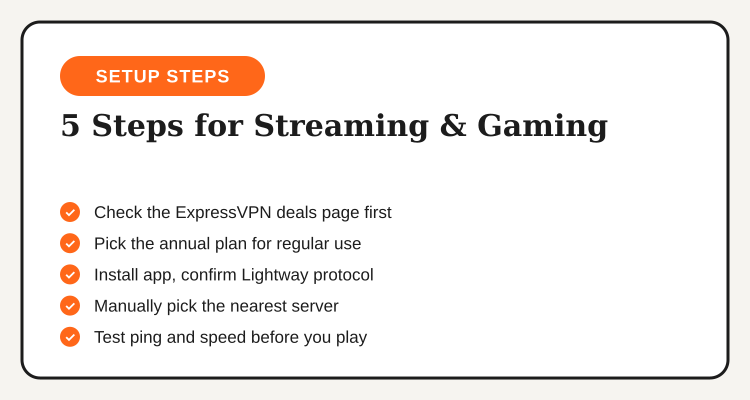
- Check an active deal first. Visit the ExpressVPN Philippines deals page before entering payment details.
- Pick the annual plan if you'll use it regularly. The per-month rate drops the most on the longest term.
- Install the app and switch the protocol to Lightway. It's usually the default, but worth confirming in settings.
- Manually pick the nearest server location. Auto-select doesn't always choose the lowest-ping option for gaming.
- Test before committing to a long session. Run a quick speed and ping check, then start streaming or queue into a match.
Bottom Line
ExpressVPN doesn't make your connection faster than it already is, but it loses less of that connection to overhead than most competitors do, and that difference is exactly what shows up as smoother streaming and steadier gaming ping. The Lightway protocol is the real reason behind the brand's speed reputation, not marketing alone, and manually picking the nearest server location matters just as much as the app itself.
For Filipino users whose VPN use centers on streaming and online gaming specifically, that combination makes ExpressVPN one of the stronger performance picks in its price range. Active ExpressVPN Philippines deals for October 2026 bring the annual plan's cost down, worth checking before paying the full monthly rate on a VPN you'll likely want running every session.
See all active ExpressVPN promo codes
Annual plan discounts and seasonal promos, updated regularly on the ExpressVPN Philippines deals page.
View ExpressVPN Deals →