Why Plan Before 12.12 Starts
Sale days reward the buyer who already knows what to buy. Joytify's own page notes that bigger diamond bundles tend to show up during sale events such as Black Friday and 12.12, but a bundle is only a good deal if it matches how much you actually play. Decide your monthly credit need first, then see whether a sale pack beats the usual price.
A quick way to do this: list the packs you bought in the last two months, add them up, and use that as your ceiling. Anything above that number is spending, not saving.
Where to Look First on 12.12
The 12.12 sale gaming top-up window is the last big sale of the year, so it is a good time to stock up on credits you were going to buy anyway. Our 11.11 gaming top-up guide covered the same stores a month ago. Use the table below to decide which store to open first, and check the 12.12 Sale page for the wider sale picture.
| Platform | Check it for |
|---|---|
| SEAGM | Wide title list, including Mobile Legends, Genshin Impact, Steam and PUBG Mobile |
| Gameseal | Steam wallet codes and digital gift cards |
| Joytify | Mobile Legends and Genshin Impact credits, plus new-user discounts |
| GOGOGO | Mobile Legends, Valorant and CODM, with GCash and Maya at checkout |
Start with the store that carries your main game. If the same game is on two stores, open both and compare the amount you get per peso, not the headline percentage. A smaller discount on a bigger bonus can beat a larger discount on the base pack.
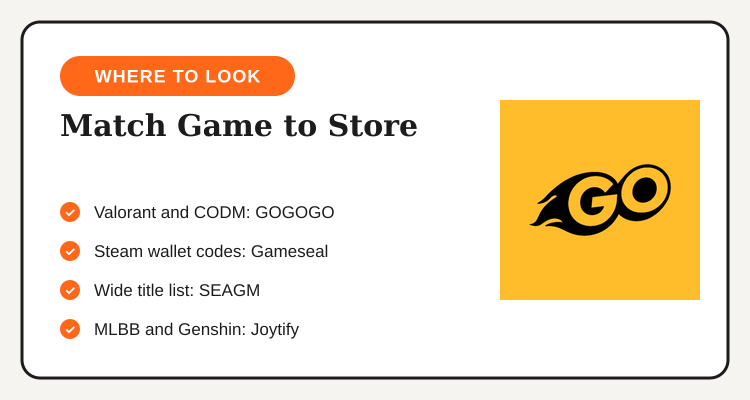
Game by Game: Which Stores to Open
Most popular titles appear on more than one store, which is good news because you can compare. Use this as a starting point, then confirm that your exact pack and server are listed before you pay.
| Game or credit | Stores that list it |
|---|---|
| Mobile Legends diamonds | Joytify, SEAGM, GOGOGO, Gameseal |
| Valorant Points | GOGOGO, Joytify |
| Genshin Impact crystals | SEAGM, Joytify |
| Steam wallet codes | Gameseal, Joytify (Steam gift cards) |
| PUBG Mobile | Gameseal, SEAGM, GOGOGO |
Mobile Legends is the easiest game to price-check because so many stores sell diamonds. If you play it, open at least two stores and compare the number of diamonds you get per peso for the same pack size.
How to Compare the Real Price
Write down the base price of the pack you want before 12.12 starts. On the day, check the final price after any code or bonus, including payment fees if the checkout shows them. This gives you a clear before and after, so you know whether a deal is real.
Pay with a method that carries its own promo if you have one. Our 12.12 card and wallet promos guide explains where to look. For game-specific pages, see our guides for Mobile Legends diamonds, Valorant Points and Steam wallet codes.
Open the store that carries your game and check current offers.
12.12 Top-Up Timeline
| When | What to do |
|---|---|
| Before December 12 | Pick your games, set a budget and note the base price of each credit pack |
| December 12 | Check each store for promo codes and bonus credits, then compare the final price |
| After December 12 | Recheck leftover offers, and save any unused budget |
If you missed the earlier rounds, the Cyber Monday gaming top-up guide shows how these stores were compared closer to Black Friday.
Payment Methods and Payday Timing
Checkout options differ by store. GOGOGO lists GCash, Maya, QR Ph, ShopeePay, GrabPay and select bank transfers, and Joytify's Mobile Legends top-up accepts GCash. Pick the store that supports the wallet you already use, so you are not moving money around just to pay.
Timing matters too. December 12 sits right before the mid-month payday, and the GOGOGO and SEAGM pages both mention payday events on the 15th and 30th. If a 12.12 offer is not enough, check again around December 15 before you buy. Our 13th month pay Christmas budget guide can help you decide how much of your bonus to set aside for games.
Using Gift Cards for Christmas Gifts
Gift cards from Gameseal and Steam gift cards from Joytify can double as gifts for gamers on your list. They are easy to send and let the receiver pick what they want. For other ideas, see our Christmas gift guide on a budget.
Common 12.12 Top-Up Mistakes
- Buying too much credit. Credits usually do not expire on their own, but check the game's terms before stocking up on a large amount.
- Skipping the server check. Entering the wrong server or player ID is the most common cause of a failed top-up.
- Chasing the biggest percentage. A bigger percentage on a pack you do not need costs more than a smaller one on the pack you do.
- Ignoring payment fees. Always read the final amount on the checkout screen before you confirm.
If something goes wrong, contact the store's support through its official page with your order number and a screenshot of the checkout. Keep your chat history in one place so the timeline is easy to follow.
A Simple Pre-Top-Up Checklist
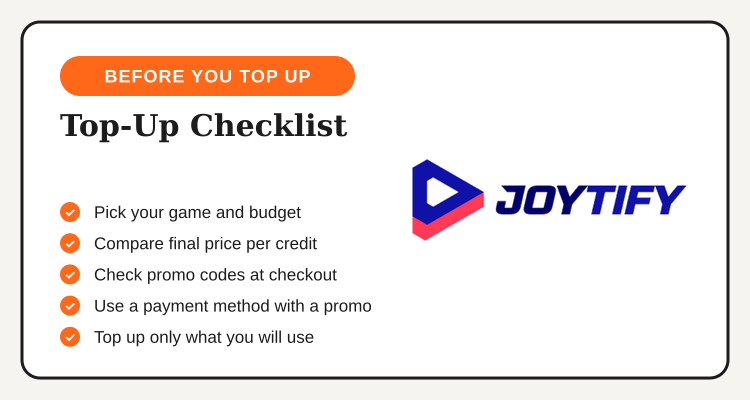
Game credits are digital, so mistakes are hard to undo. Double-check the game, server and account ID before you pay, and keep the order confirmation until the credits show in your account. If a deal asks you to share a password, skip it, because a store should never need it.
Joytify also runs promo codes for Mobile Legends diamonds, CODM and Honor of Kings, so check the Joytify page if your game is on that list. Set a spending cap and stick to it, since the best saving is the credit pack you did not need to buy.